Once the DAFoam MCP server is installed and connected to Claude, you can open the Docker Desktop and the Claude Desktop app, and start using it to analyze wing cases. We support the following functionalities.
Wing geometry and mesh generation.
-
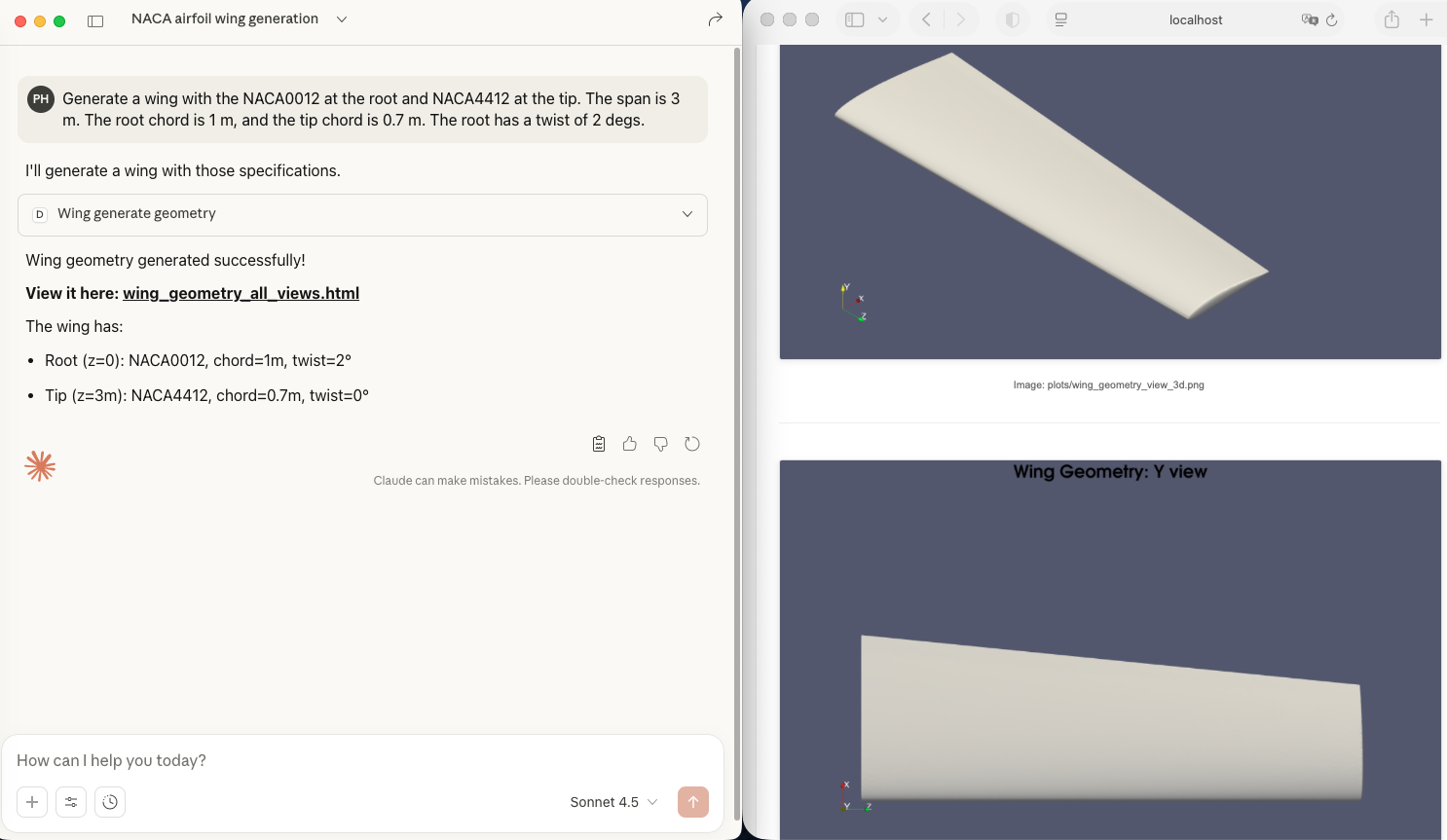
Geometry generation. To generate the CAD wing geometry mesh, you can ask Claude: “Generate a wing with the NACA0012 at the root and NACA4412 at the tip. The span is 3 m. The root chord is 1 m, and the tip chord is 0.7 m. The root has a twist of 2 degs.”. Once Claude generates the mesh, you can click the provided link to view the geometry in your browser.
-
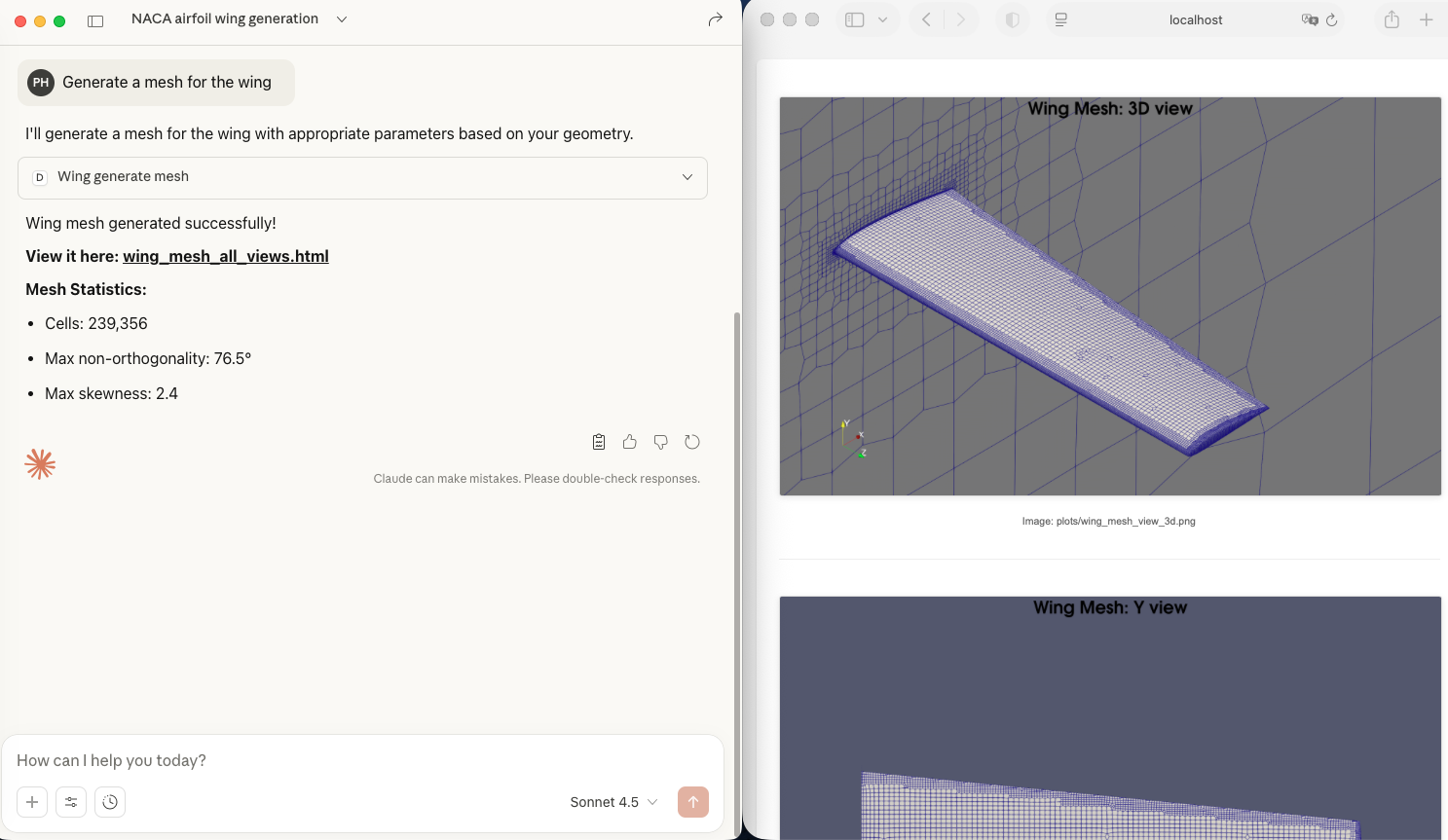
Mesh generation. To generate the wing mesh, you can ask Claude: “Generate a mesh for the wing”. Once Claude generates the mesh, you can click the provided link to view the mesh in your browser. To adjust the mesh density, you can change the mesh refinement level, number of boundary layer mesh, and far field mesh size.
Wing aerodynamic analysis.
-
Run CFD simulations. You can ask Claude: “Run a CFD with Ma=0.5, Re=1e6, and aoa=1.5 deg”. Claude will run the CFD simulation in the background.
-
Ask CFD run status. You can say “Check run status” to see if the CFD finishes.
-
Monitor convergence. If the CFD is running in the background, you can ask “View the CFD convergence” and click the provided link to visualize the residual and function convergence history.

-
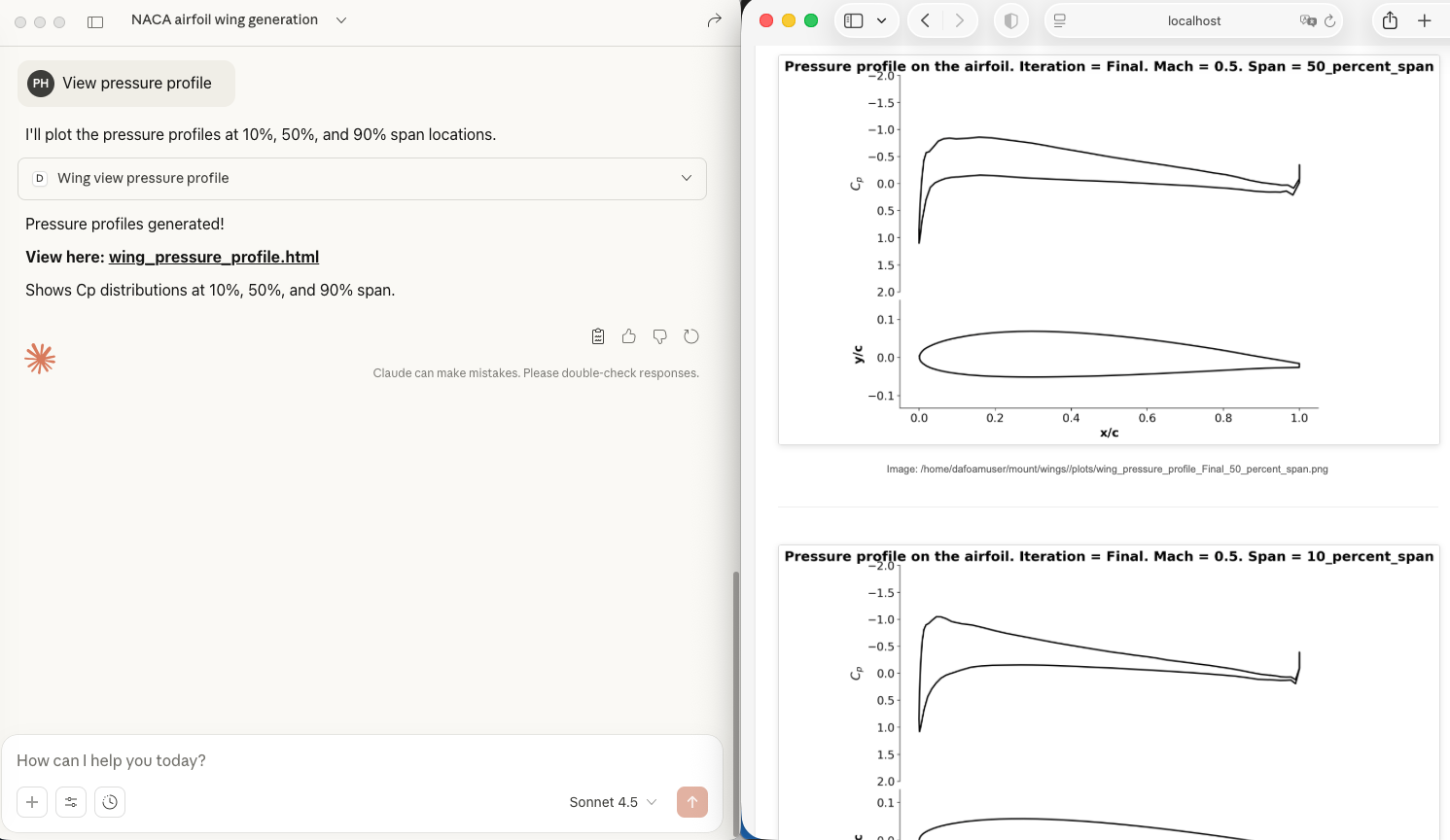
View pressure profile. If the CFD finishes, you can ask Claude to plot the pressure profile.
-
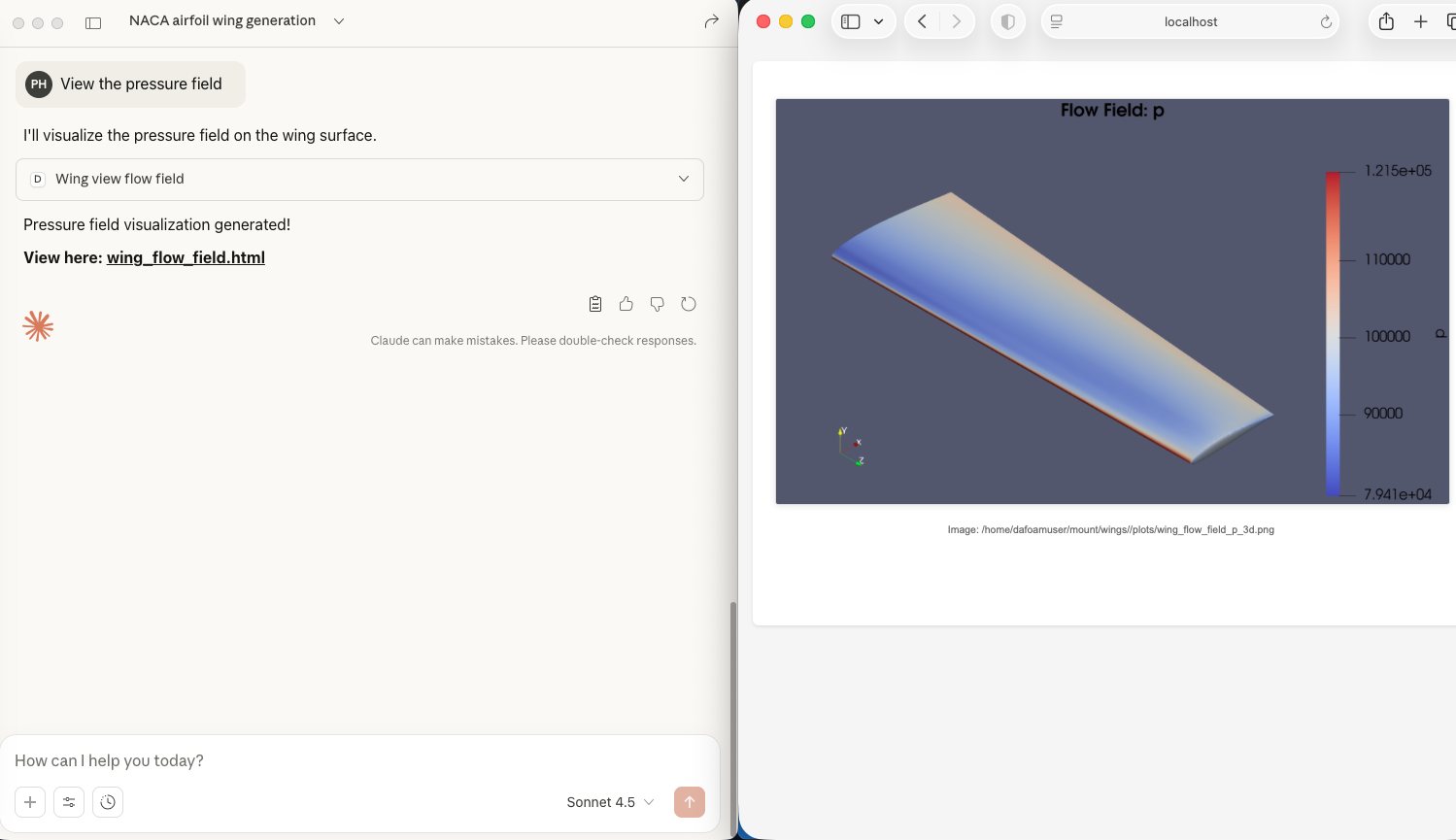
View flow field. You can say “View the pressure field” to see the pressure profile. Click the provided link to see the contours in your browser.